 Download on the App Store
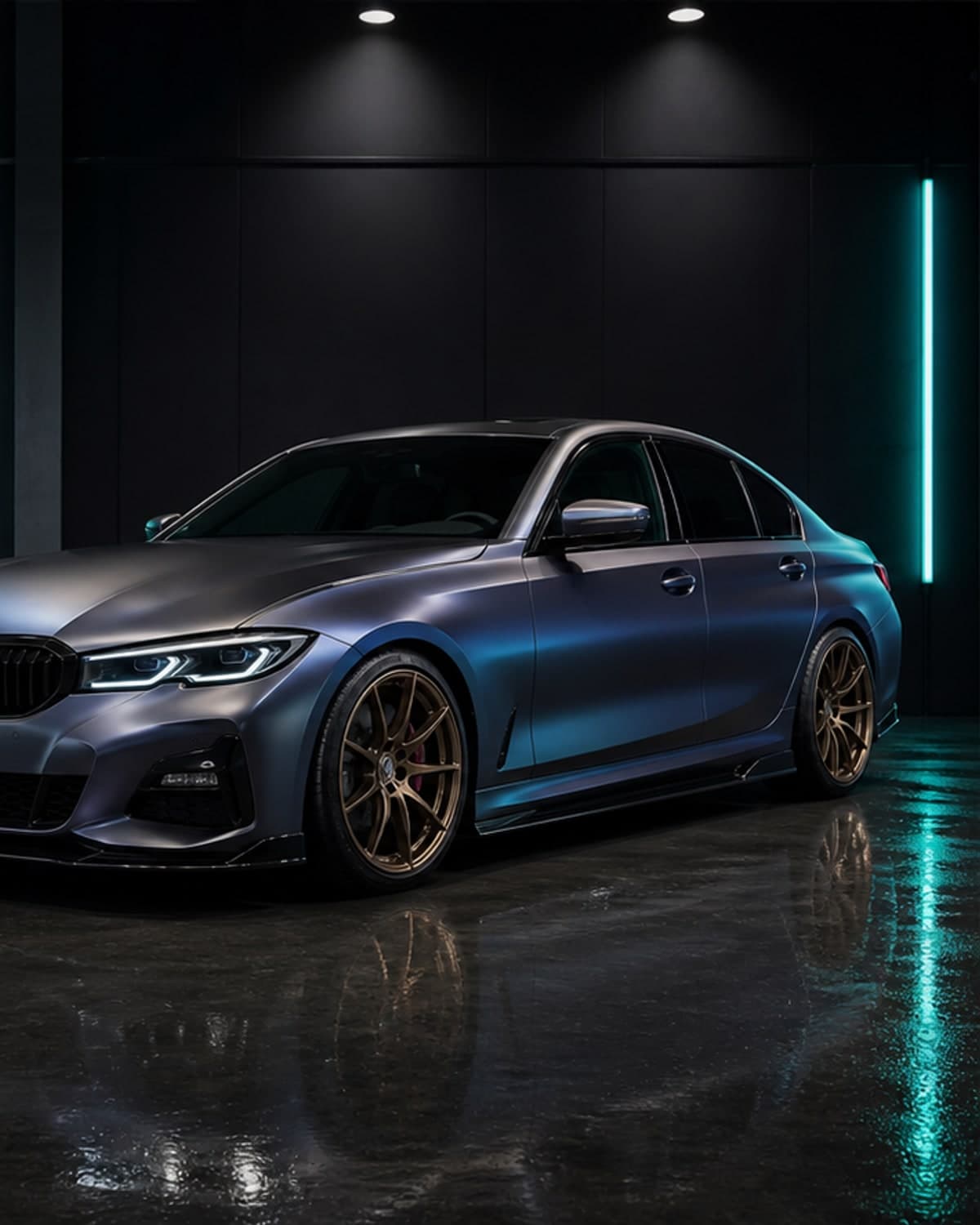
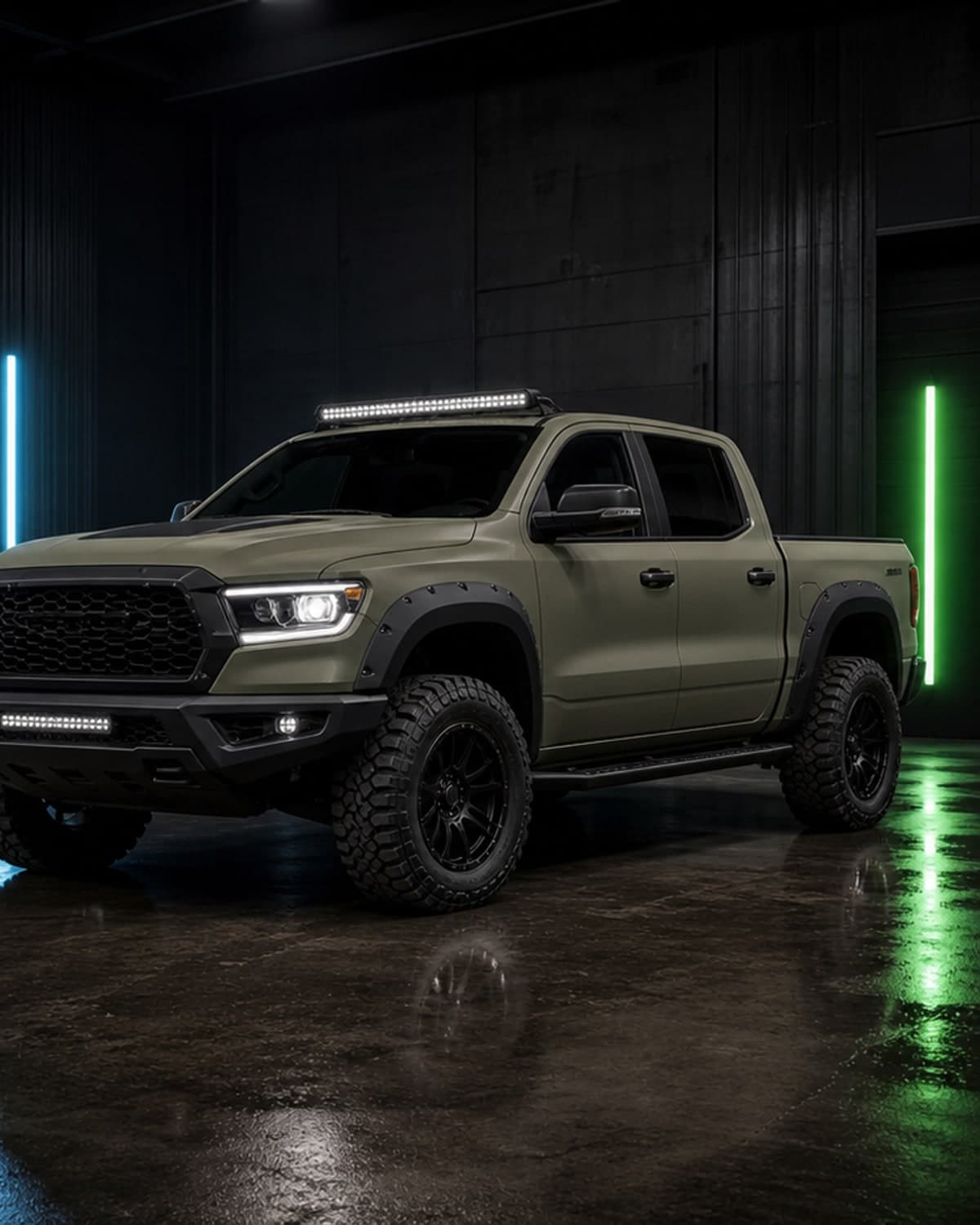
Customize the whole exterior
Explore colors, vinyl looks, wheels, ride height, lights, aero parts and body kit ideas in one visual workflow.
Car customization app
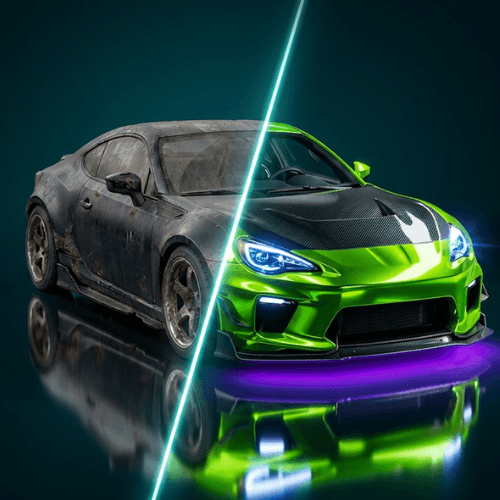
Car customization gets expensive fast. CarLab AI gives you a faster way to explore the look first, from simple color changes to complete exterior concepts.
car customization app
Explore colors, vinyl looks, wheels, ride height, lights, aero parts and body kit ideas in one visual workflow.
Use your actual car photo instead of a generic configurator so decisions feel more personal and practical.
Save AI previews for friends, social posts, installers or your own build planning notes.
Use customization previews to narrow the direction before spending on parts, paint, vinyl or labor.
Customize with context
Use the car customization app page for full exterior planning, then test paint with the AI car color changer, compare vinyl ideas in the car wrap preview app, preview wheel changes on the preview rims on car page, or generate fresh concepts with the AI car generator.
AI car modification app
Plan colors, wraps, rims, stance, aero parts and full custom build ideas from one car photo.
AI car color changer
Preview paint colors, matte finishes, gloss looks and custom shades before repainting or wrapping.
car wrap preview app
Test vinyl wrap colors and finishes before ordering material or booking a wrap shop.
preview rims on car
Compare wheel styles, rim finishes and stance ideas before buying a new setup.
AI car editor
Create quick car photo edits for social posts, shop references and custom build inspiration.
car modification app
Preview a complete car modification direction before buying parts or booking shop work.
AI car modifier
Use AI to modify a car photo and compare realistic exterior build ideas.
car color changer app
Test paint colors and wrap-inspired finishes on your own vehicle photo.
AI car generator
Generate custom car concepts from your own photo for faster build inspiration.
car photo editor
Edit car photos with AI to preview modification ideas without complex software.
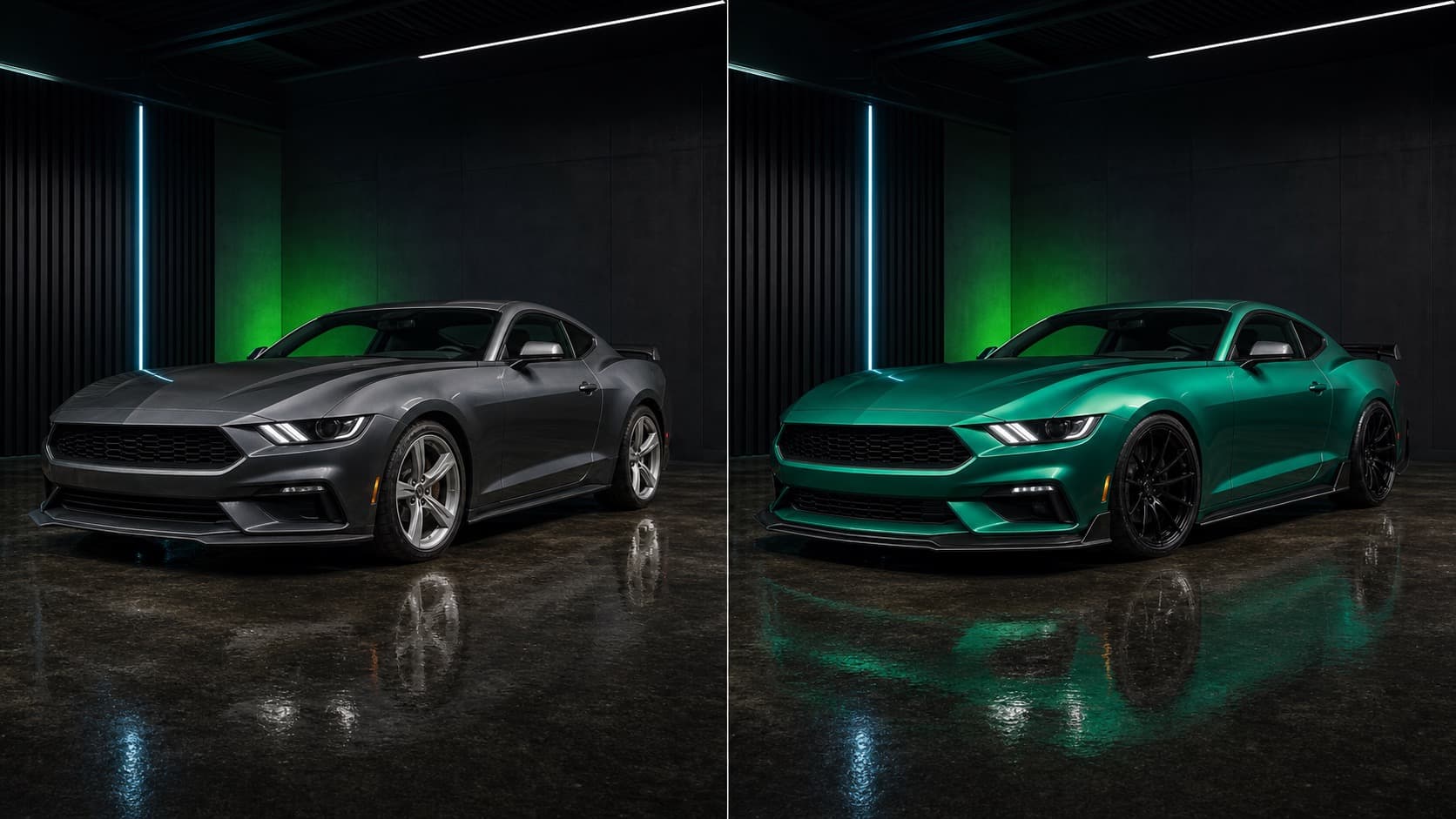
Before and after
CarLab AI is made for the moment before you buy: when you need to see whether the color, wrap, wheels, spoiler or full custom direction belongs on your actual car.
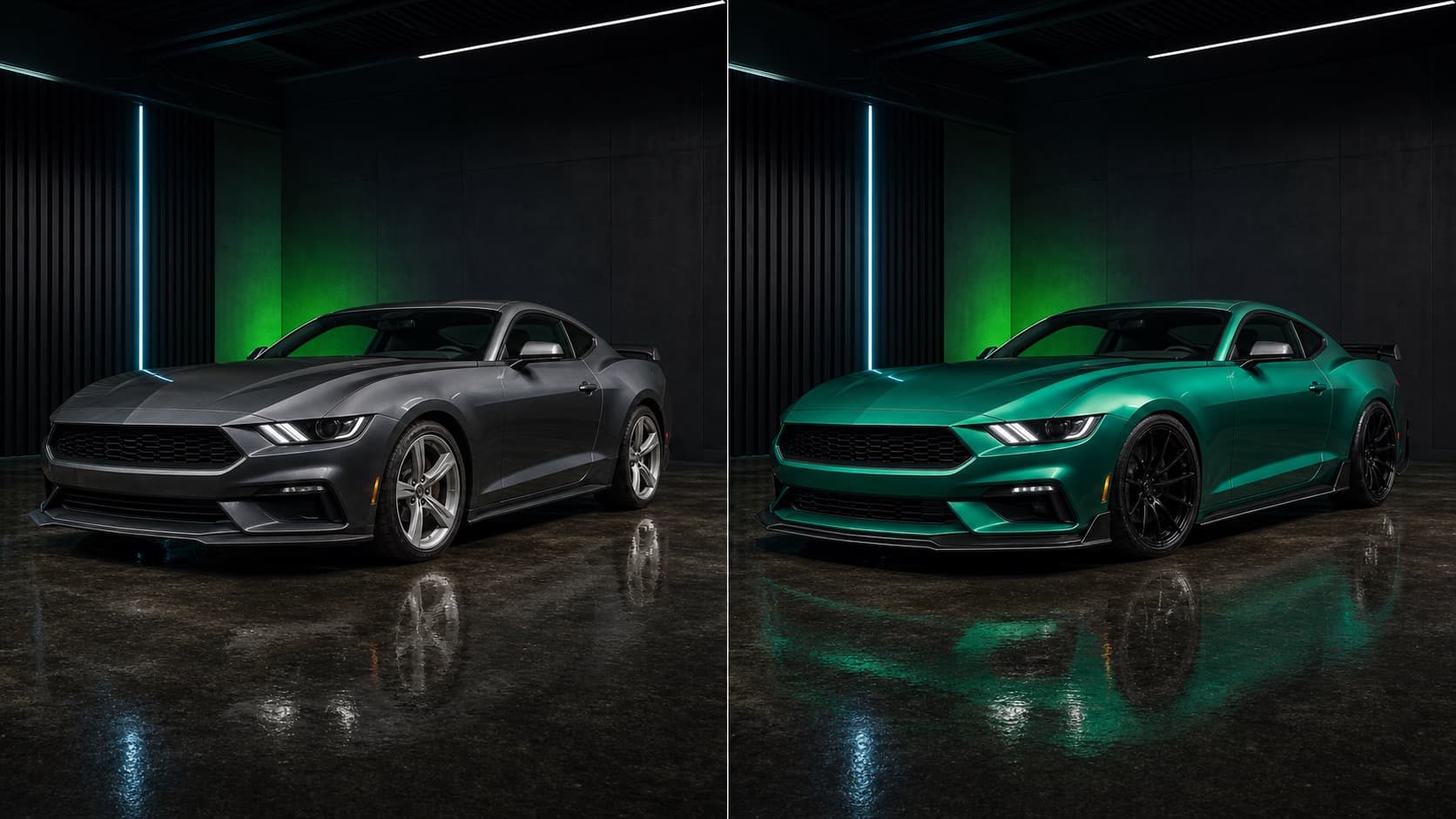
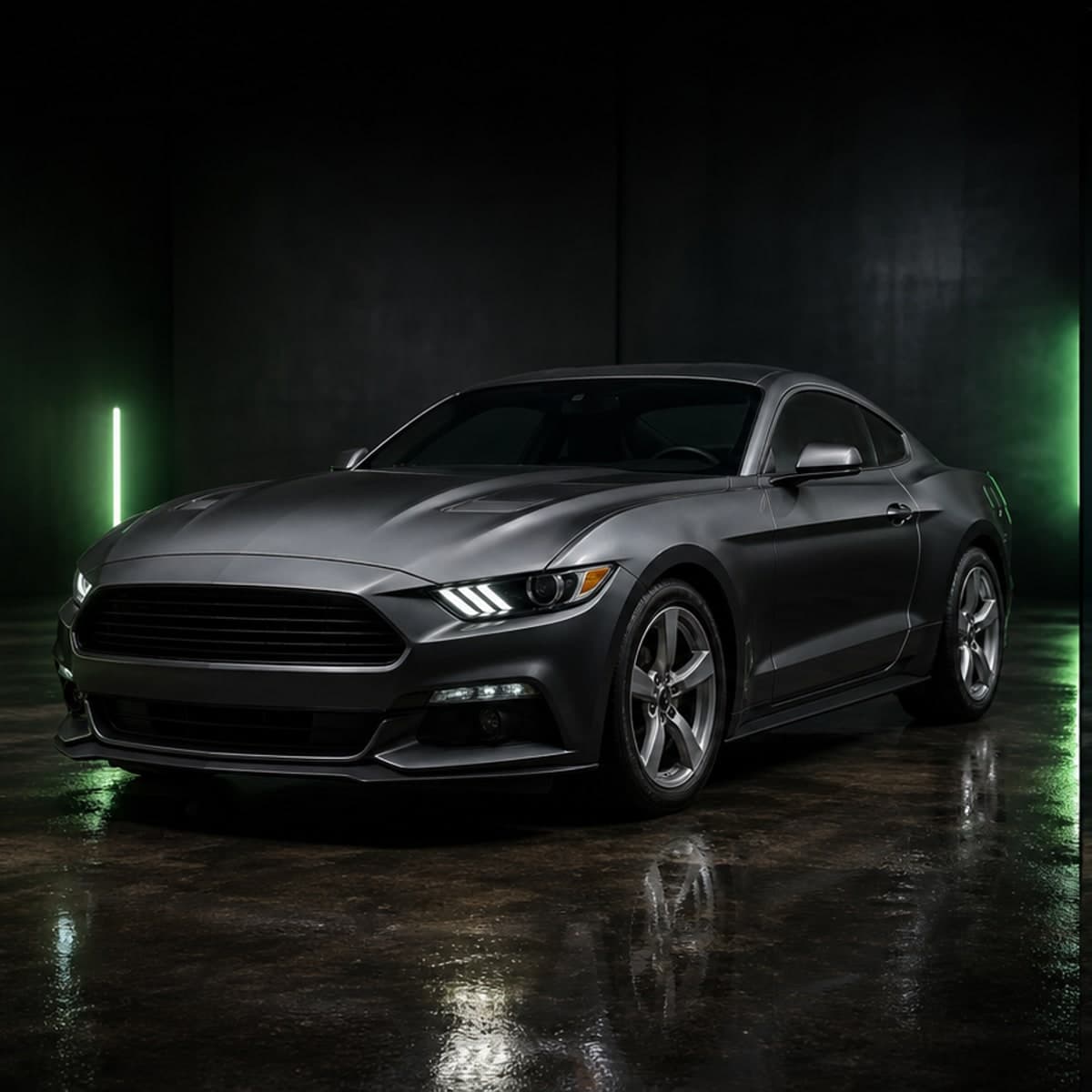
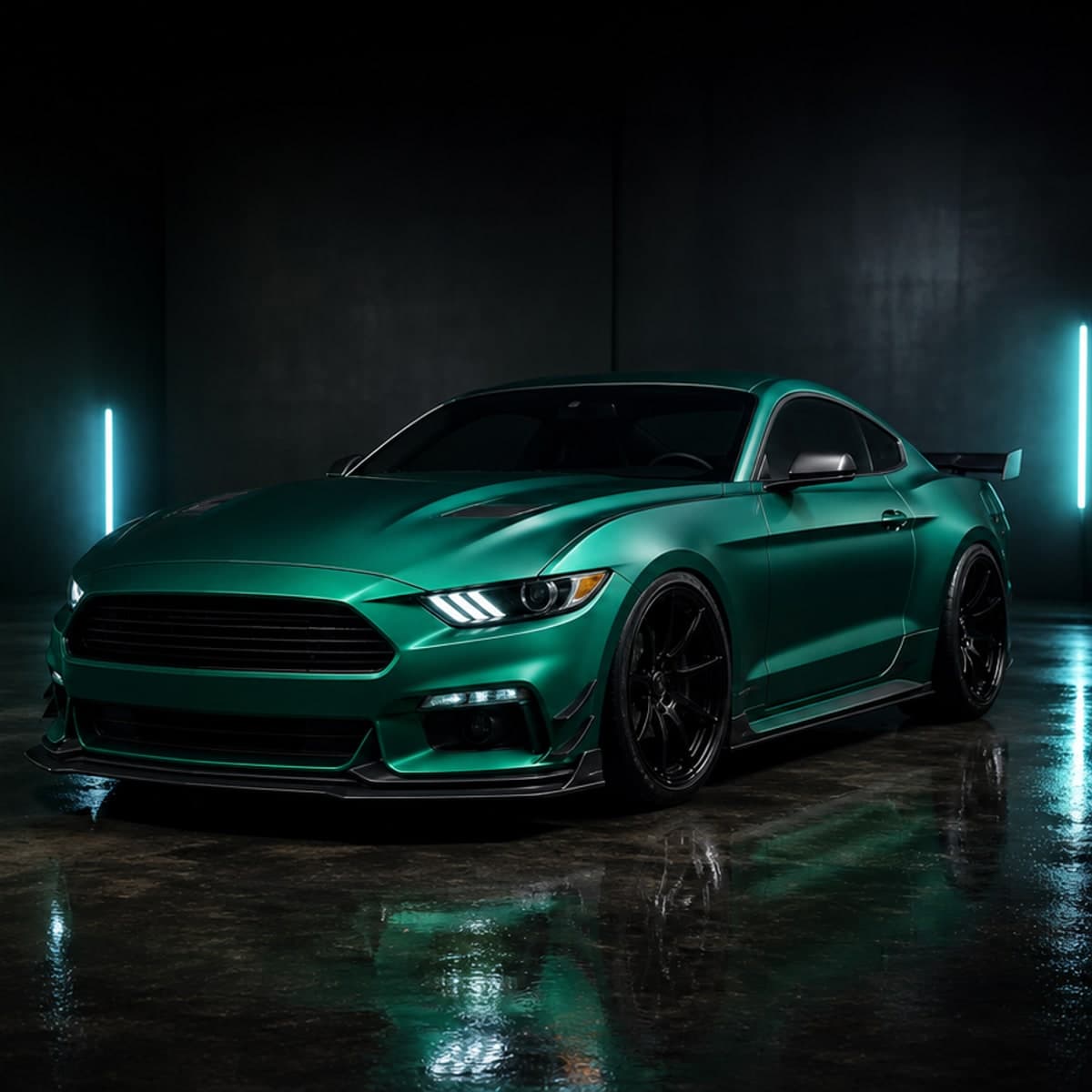
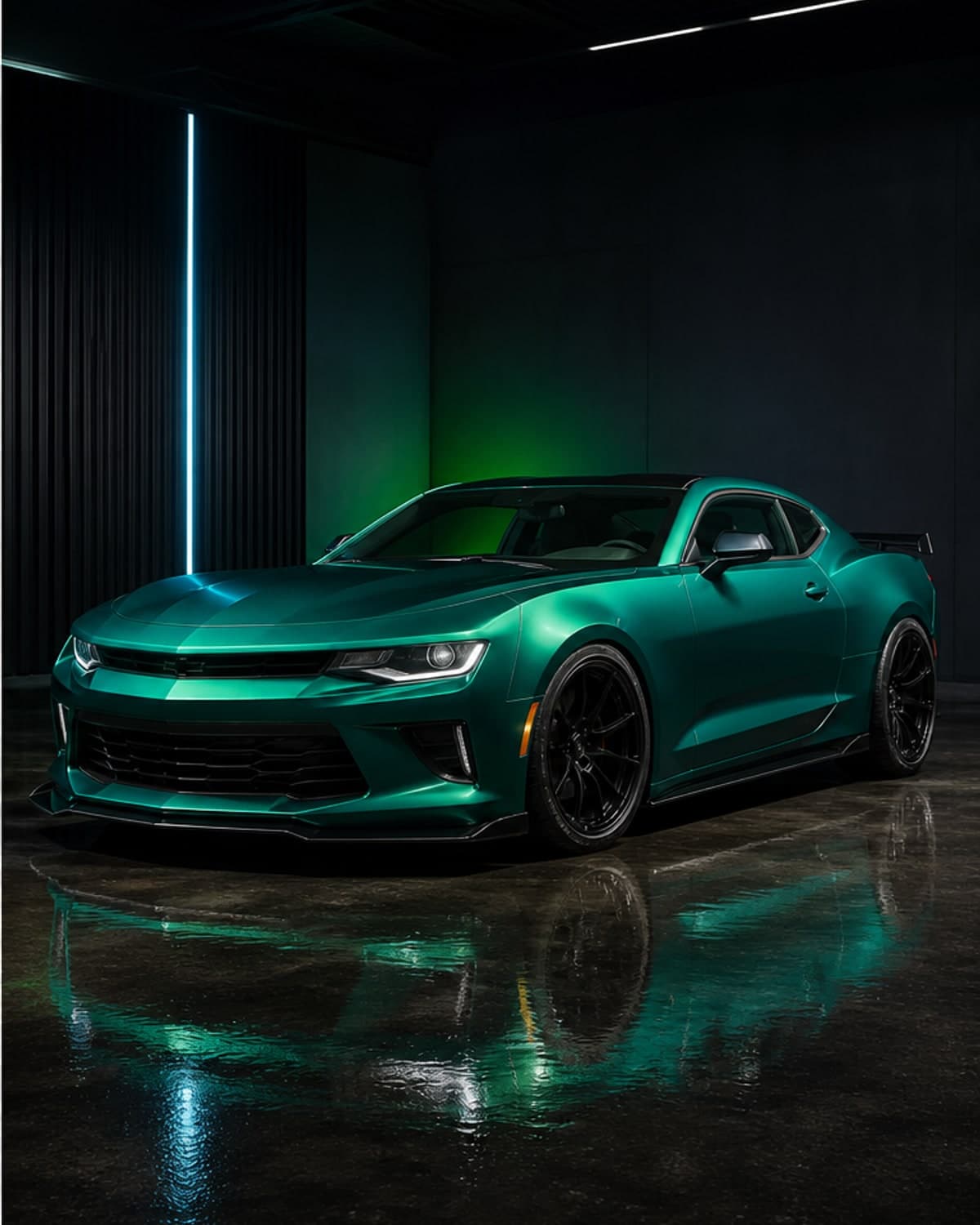
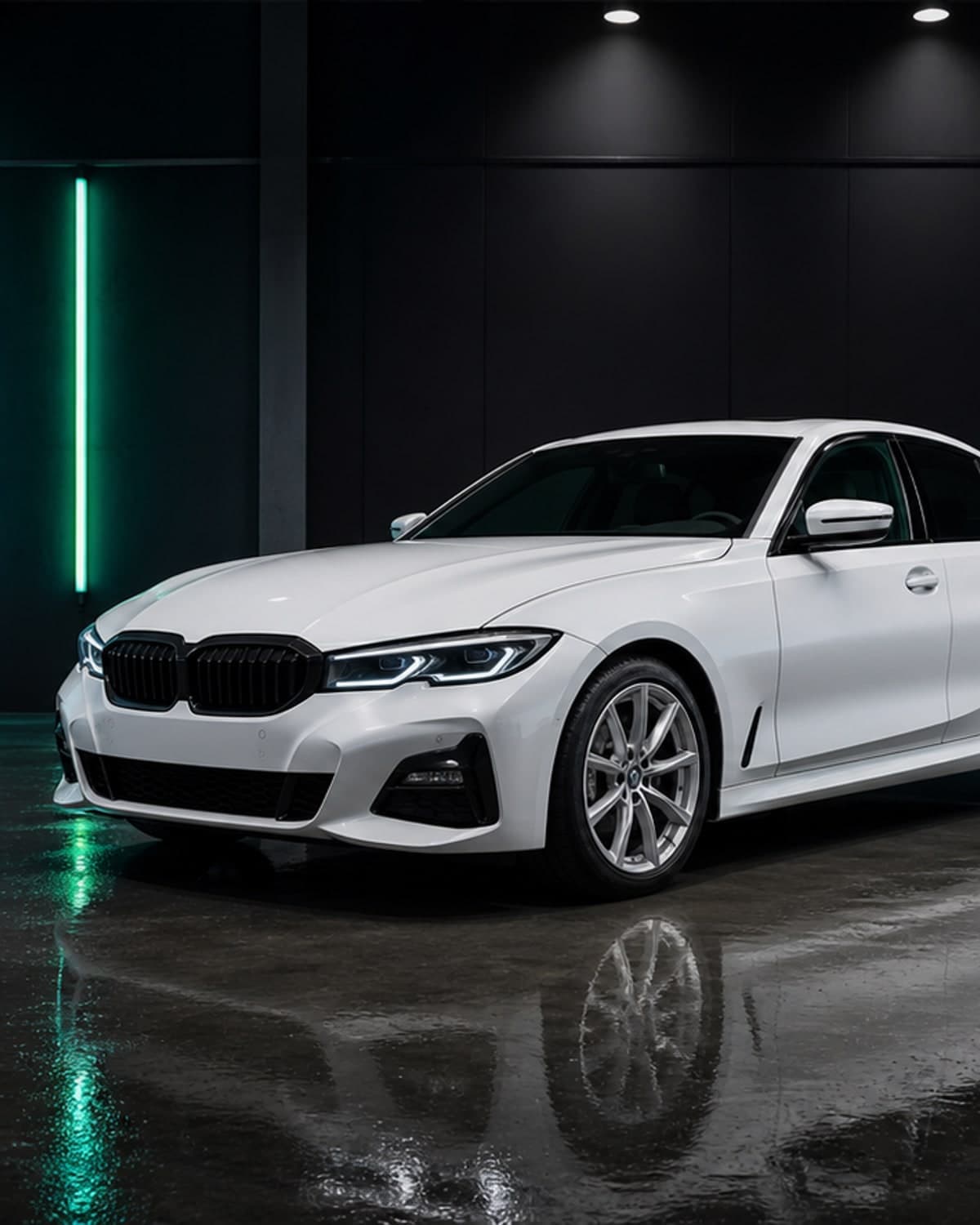
Compare realistic AI car editor concepts before choosing parts, paint or wrap material.
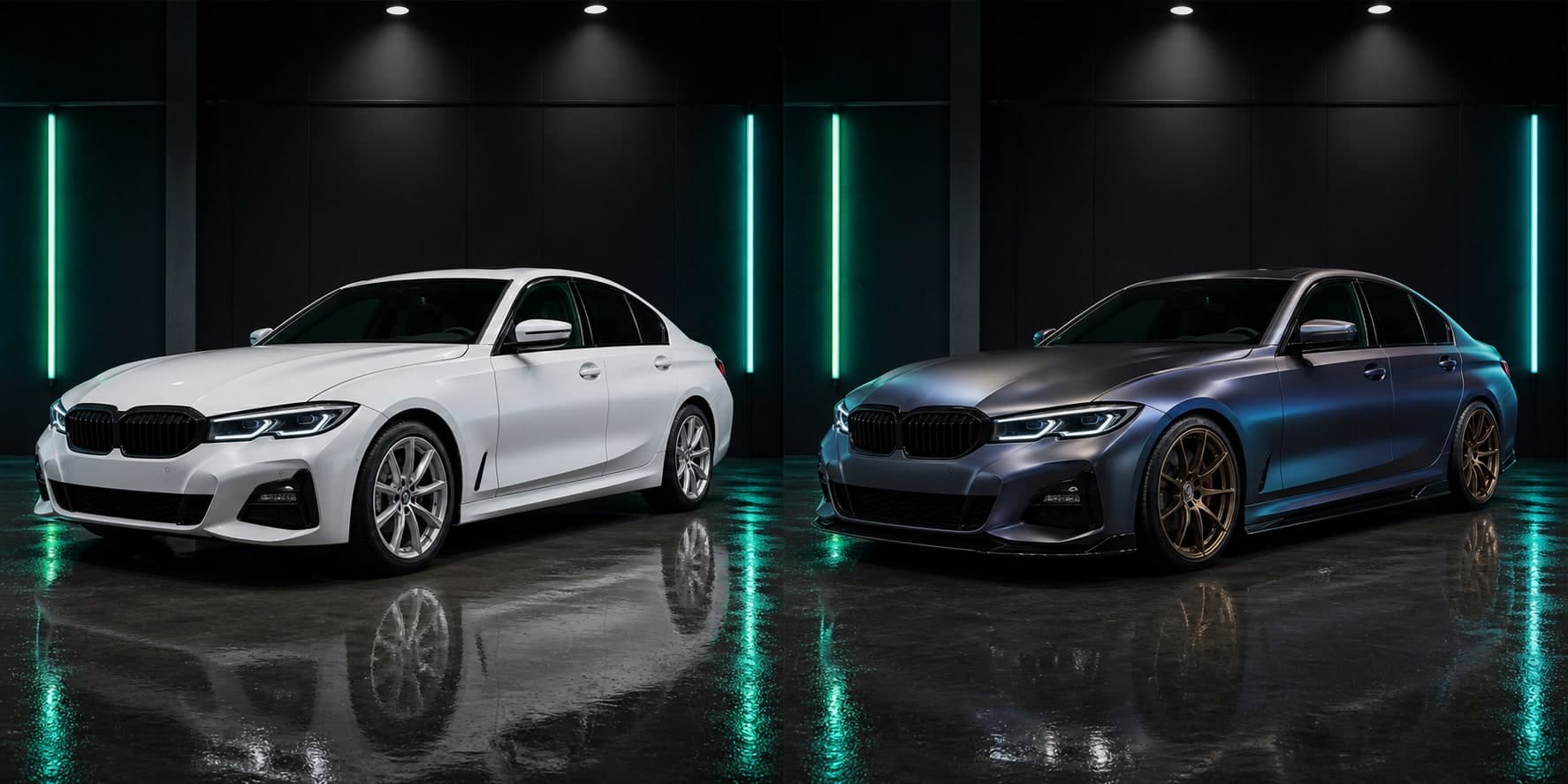
Compare realistic AI car editor concepts before choosing parts, paint or wrap material.
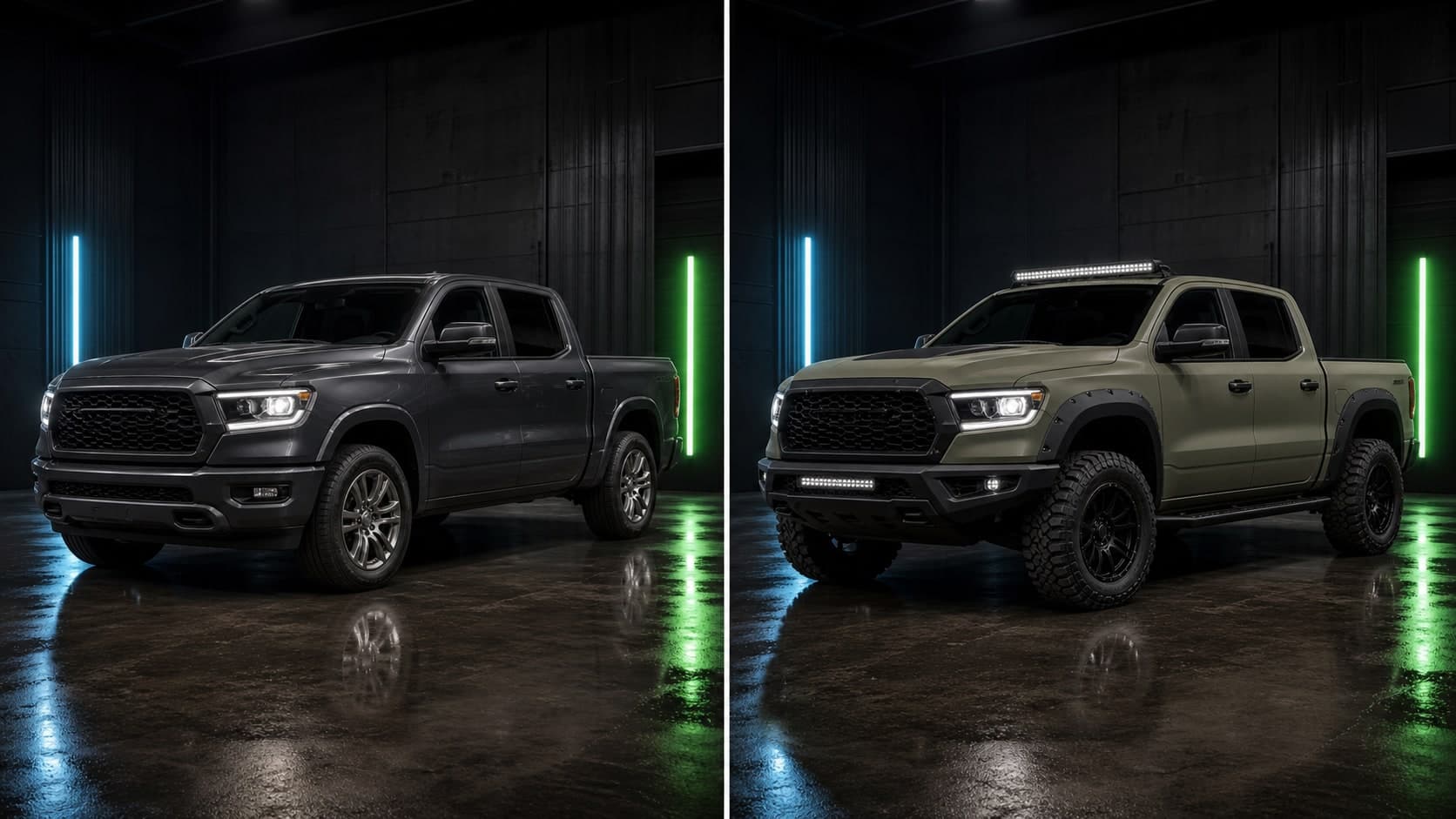
Compare realistic AI car editor concepts before choosing parts, paint or wrap material.
Best for
How it works
Use a clear side, front-three-quarter or rear-three-quarter photo from your camera roll.
Describe a color, wrap, rim style, spoiler, headlights, stance change or complete custom build.
Save the best concepts and use them as a practical reference before buying parts or booking a shop.
FAQ
You can preview color changes, wrap ideas, rims, stance, spoilers, headlights, body kit concepts and full custom exterior builds.
It is both: a focused car photo editor that is built specifically around customization and modification previews.
Yes. Stock cars are a great starting point because AI previews can show how different upgrade paths change the personality of the vehicle.
Yes. You can compare a color-only change, then add wheels, stance or body details to see how each stage changes the result.
CarLab AI helps with visual direction. You should still confirm exact parts, compatibility and installation requirements before buying.
Yes. Saved previews are useful for sharing ideas with friends, creators, shops or installers.
Download CarLab AI
Upload your car photo, preview the look, and choose your next modification with more confidence.