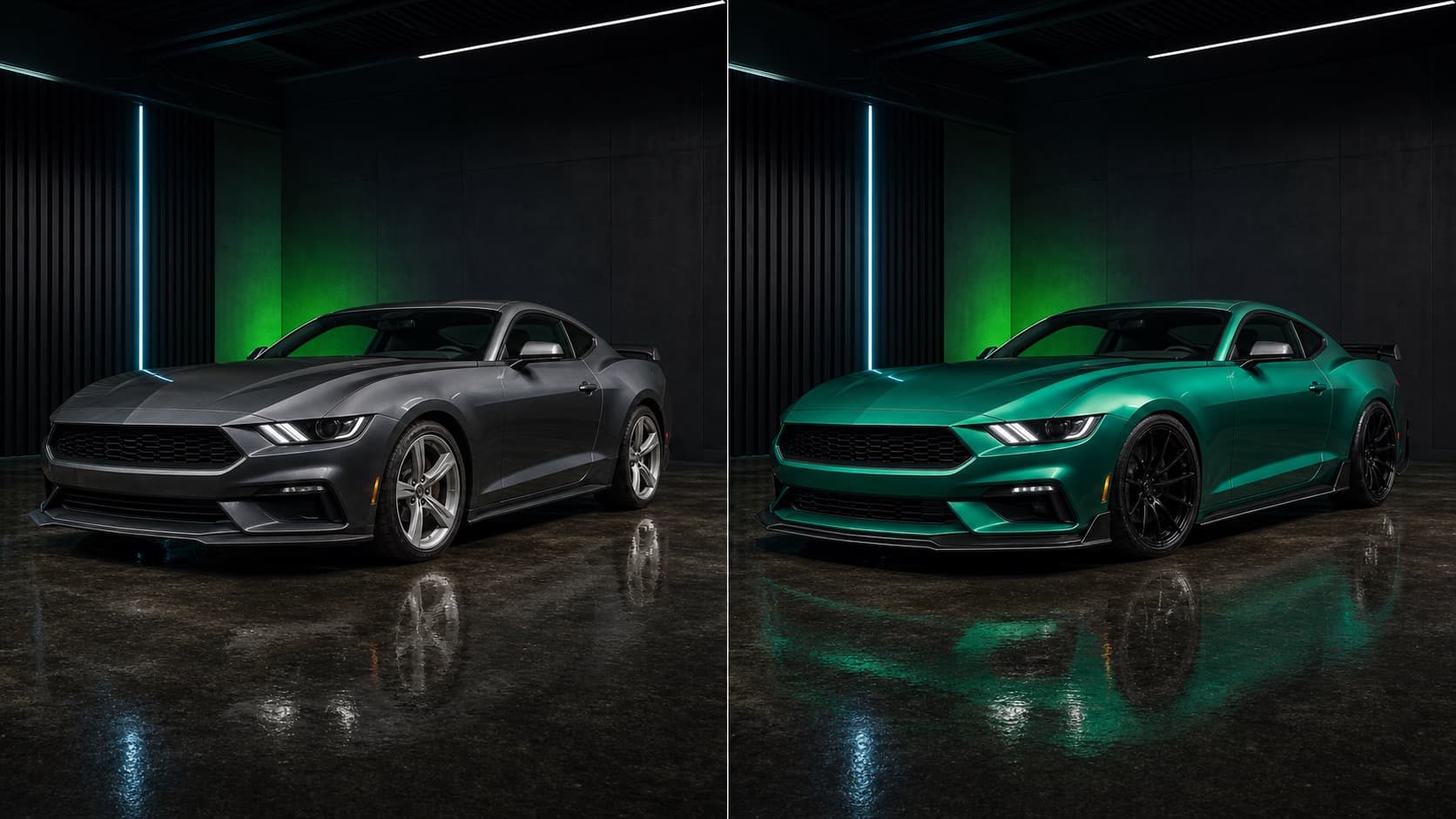
Color, stance and aero preview
Compare realistic AI car editor concepts before choosing parts, paint or wrap material.
YOUR CAR. YOUR IDEAS.
Upload your car photo. Explore paint, wraps, wheels and body kits — right in your browser.
No download · No sign-up to try · No card needed
JPG, PNG or WebP · Photo sent only when you generate.
Before and after
CarLab AI is made for the moment before you buy: when you need to see whether the color, wrap, wheels, spoiler or full custom direction belongs on your actual car.
Compare realistic AI car editor concepts before choosing parts, paint or wrap material.
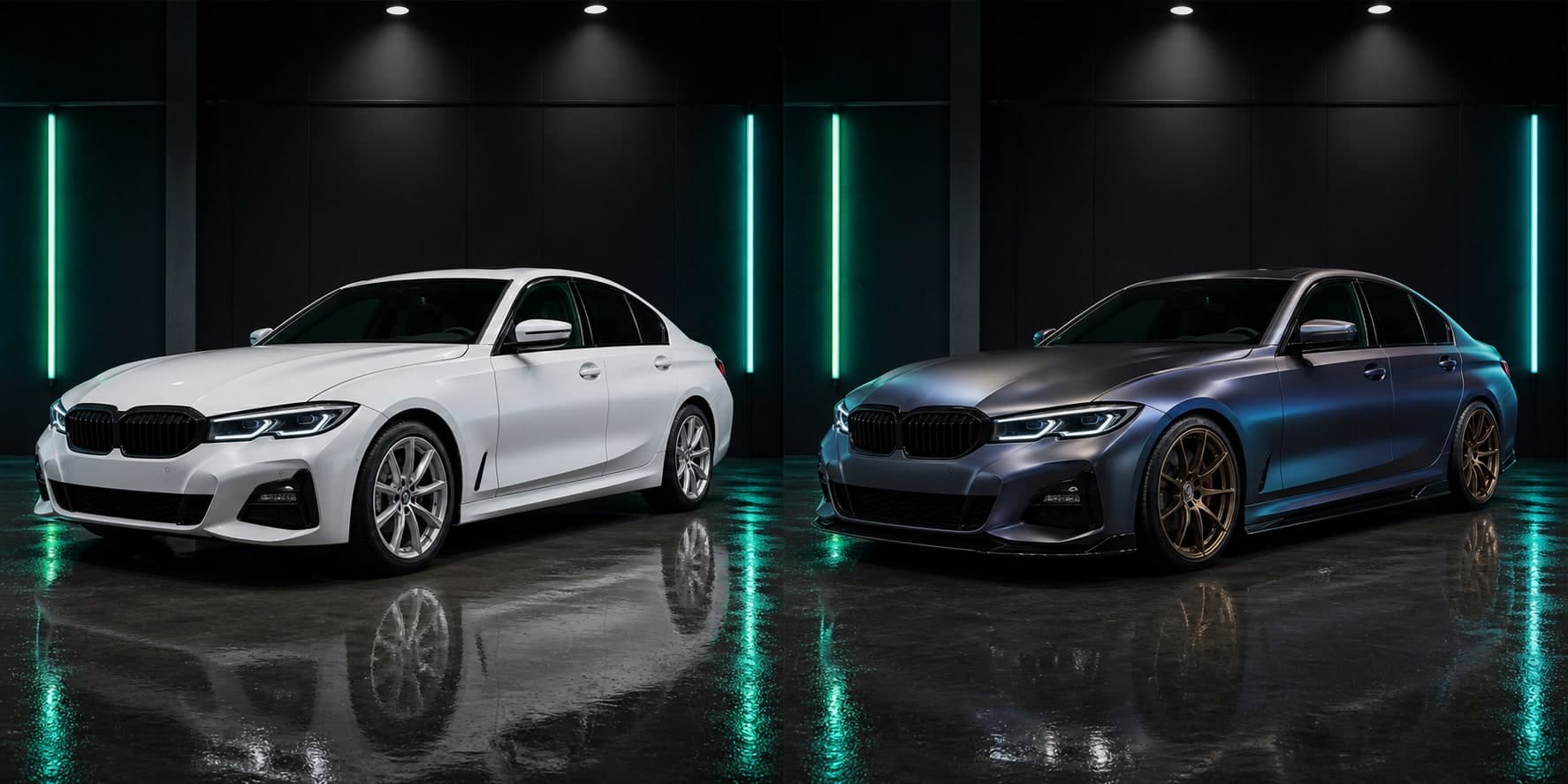
Compare realistic AI car editor concepts before choosing parts, paint or wrap material.
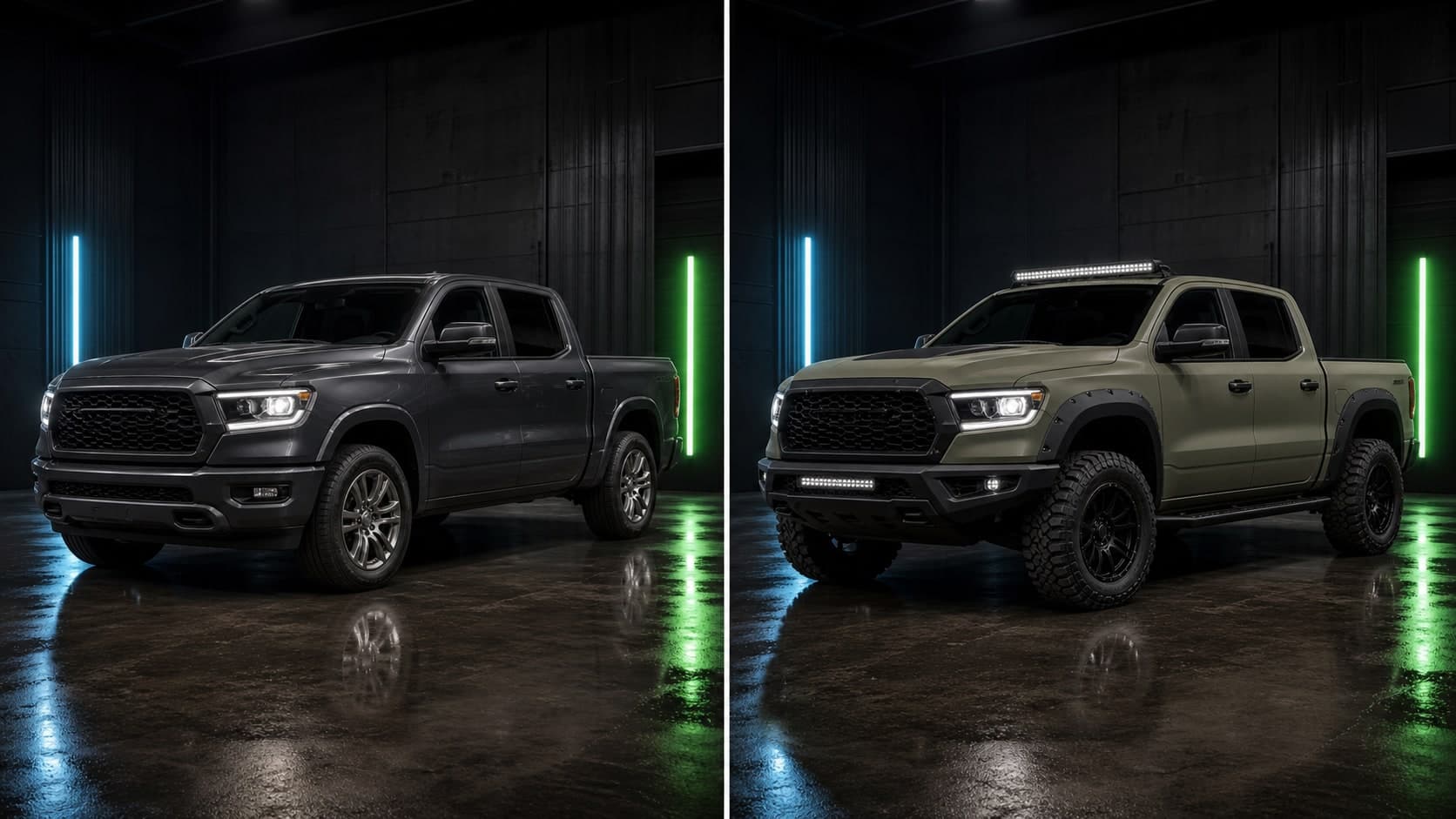
Compare realistic AI car editor concepts before choosing parts, paint or wrap material.
What you can preview
Generate car edits that respect lighting, perspective and body lines so ideas feel closer to a real build plan.
Skip generic configurators. Upload your own vehicle and see changes on the exact shape, color and angle you care about.
Compare colors, wraps, rims, spoilers and body kits before committing to expensive paint, parts or installation.
Start with a photo, choose your look and download your result in your browser or on iPhone.
Use one AI car editor to test paint colors, vinyl wraps, wheel styles, stance and exterior details together.
Plan tasteful daily upgrades, aggressive show builds or a complete car customization concept in your browser or on iPhone.
How it works
Use a clear side, front-three-quarter or rear-three-quarter photo from your camera roll.
Choose a paint color, wrap, wheel style, spoiler, hood or body kit from the collection.
Save the best concepts and use them as a practical reference before buying parts or booking a shop.
Explore by goal
AI car modification app
Use CarLab AI to preview realistic car modifications from a photo. Test colors, wraps, rims, spoilers, body kits and custom builds before buying parts.
AI car color changer
Change your car color with AI before paying for paint or vinyl. Preview matte, gloss, satin and custom colors on your own car photo with CarLab AI.
Car wrap preview app
Preview car wraps before buying vinyl. Use CarLab AI to test colors, finishes and custom wrap concepts on a photo of your own car.
Preview rims on car
See how new rims and wheel styles could look on your car before buying. Use CarLab AI to preview wheels, stance and exterior upgrades from a photo.
AI car editor
Edit car photos with AI and preview realistic custom builds. CarLab AI helps you test colors, wraps, rims, spoilers and body kits in your browser or on iPhone.
Car modification app
Use CarLab AI as a car modification app to preview colors, wraps, rims, spoilers, stance and body kit ideas on your own vehicle photo.
Modify car with AI
Modify car photos with AI using CarLab AI. Preview colors, wraps, rims, spoilers, body kits and complete custom builds before committing.
Car color changer app
Try a car color changer app built for realistic vehicle previews. Use CarLab AI to test paint colors and wrap finishes on your own car photo.
Car customization app
Use CarLab AI as a car customization app to preview colors, wraps, rims, spoilers, stance and full custom builds from a photo.
AI car generator
Generate AI car concepts from your own vehicle photo. Use CarLab AI to create custom colors, wraps, wheels, body kits and full build previews.
Car photo editor
Edit car photos with AI using CarLab AI. Preview car colors, wraps, rims, spoilers, stance and custom builds without complex editing tools.
FAQ
CarLab AI is an AI car studio for the web and iPhone that turns a photo of your car into realistic modification previews, including colors, wraps, wheels, spoilers, headlights and full custom builds.
Yes. Upload your car photo, choose the change you want to explore, and review AI-generated previews before spending money on paint, wraps, wheels or body parts.
Yes. You can test paint colors, matte finishes, gloss looks and custom color ideas directly on your own car photo.
Yes. CarLab AI has an iPhone app, and the web studio also works on Android and desktop browsers without installing an app.
Yes. Open the web studio in your browser, choose your car photo or a sample, pick one modification and generate a preview. No app download or sign-up is needed to try it.
Yes. CarLab AI can help you explore the full exterior direction, including color changes, wrap ideas, rim styles, stance, spoilers and body kit concepts.
Use a clear, well-lit exterior photo where the whole car is visible. Side and three-quarter angles usually make modification previews easier to compare.
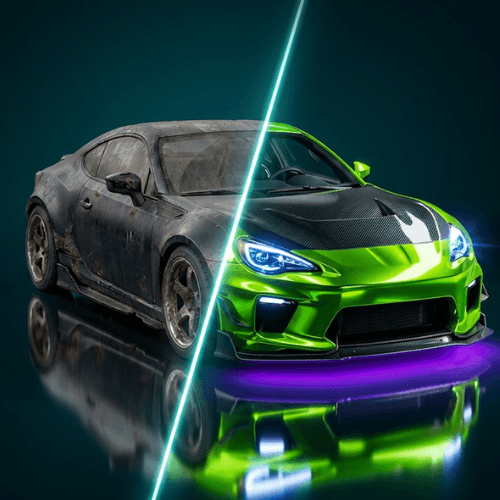
Your car. Your next look.
Upload a photo and preview realistic AI car modifications, colors, wraps, rims and body kits before you spend real money.
No download · No sign-up to try · No card needed
JPG, PNG or WebP · Photo sent only when you generate.