2026-06-14 · 5 min read
How to Change Car Color With AI Before Painting or Wrapping
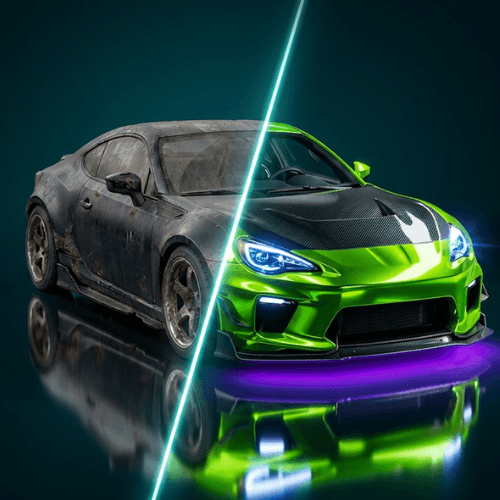
Changing a car color is one of the biggest visual decisions you can make. AI makes the early planning stage faster because you can test ideas directly on your own car photo.
 Download on the App Store
Take a clean car photo
Use a clear angle with good lighting and the whole vehicle in frame. A clean source photo gives an AI car color changer more useful information about reflections, shadows and body lines.
Compare color families first
Before obsessing over a specific paint code, compare broad directions: black, white, grey, green, blue, red, bronze or pearl. Once you know the family that fits the car, real samples become easier to evaluate.
Think about finish and trim
Matte, gloss and satin finishes change the personality of a car. Also consider wheels, chrome, black trim, roof color and lights because the same color can feel different with each supporting detail.
Use the preview before the quote
Bring your favorite AI previews to a paint or wrap shop. They can help explain your target look and make the conversation more concrete before you price materials and labor.